Search

Witschi ChronoMaster Pro

TS-CHRONOMASTER/PRO

?

Integrated acceleration sensor

for automatic position detection

?

Backlash-free 45° grid

for precise test positions

?

Connection via USB

to your Windows PC or tablet

About the Product

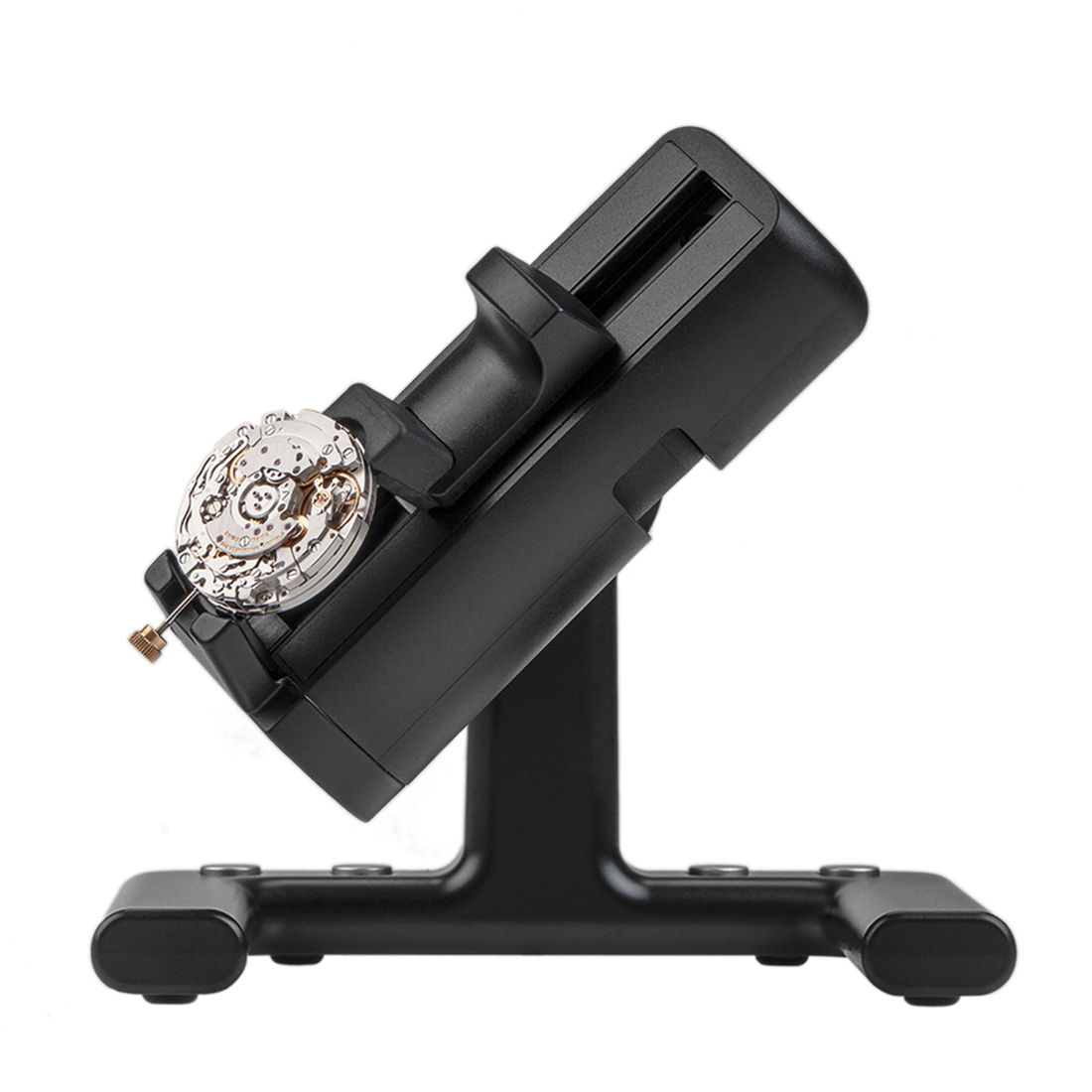
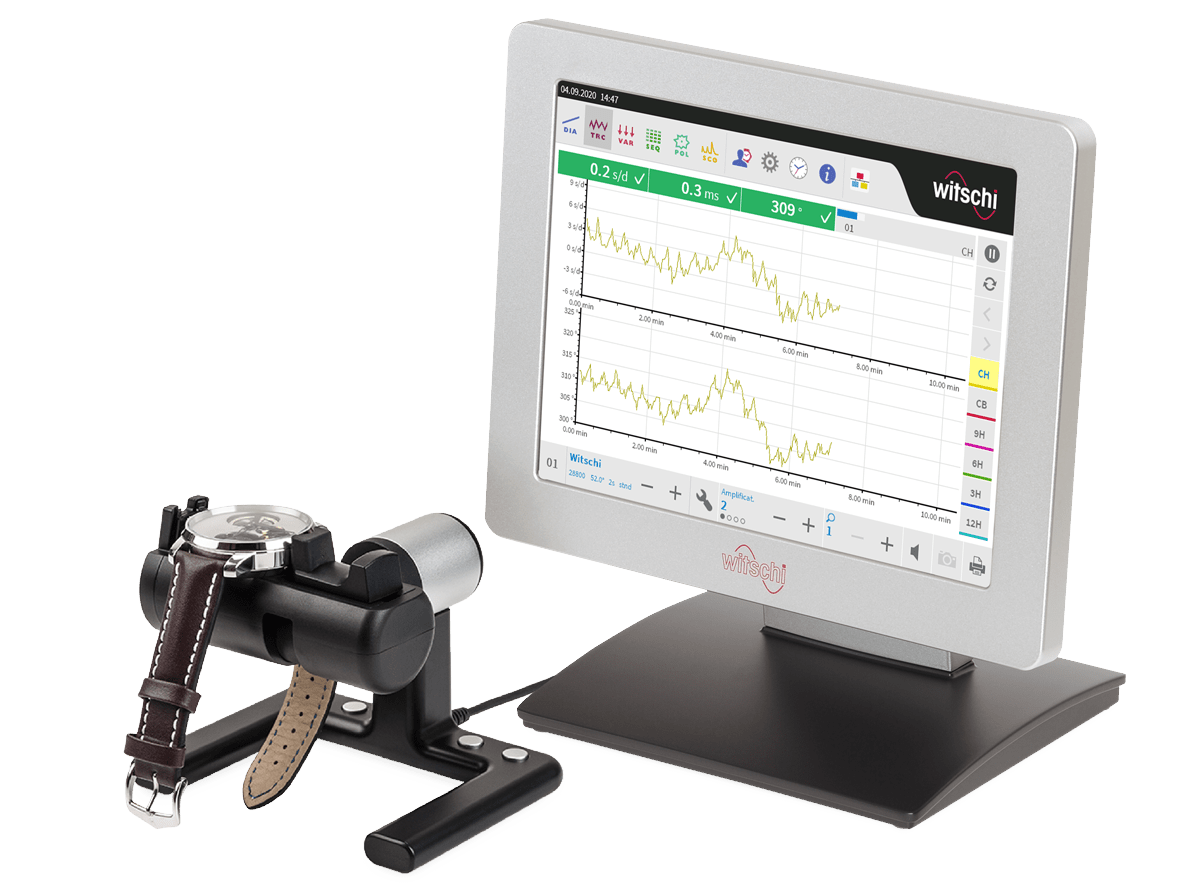
A smart, compact microphone! Designed for the measurement of mechanical watches and movements, the acoustic microphone is user-friendly due to its ergonomic and compact design. Operation is easy and efficient via its four built-in pushbuttons.

The ChronoMaster automatically detects six main test positions, four intermediate vertical positions, and two special positions. The precision positioning mechanism allows a watch or movement to be rotated and locked at exact 45° intervals for testing. Its backlash-free design ensures each test position is held with consistent accuracy. This is essential for reliable timing diagnostics, as watch performance often varies depending on how the watch is positioned. 

All Witschi devices include a QR code that provides access to device registration, Witschi Apps, and the free version of Wicotrace 360°. Before installing Witschi Apps or Wicotrace 360°, please register your device and check for the latest firmware updates. For additional details, refer to the Witschi Apps and Wicotrace 360° Datasheets linked below.

Features

Features

  • Beat error
  • Amplitude
  • Timing of mechanical watch
  • Can be displayed on the ProofMaster PRO
  • Can be displayed on the X1 monitor
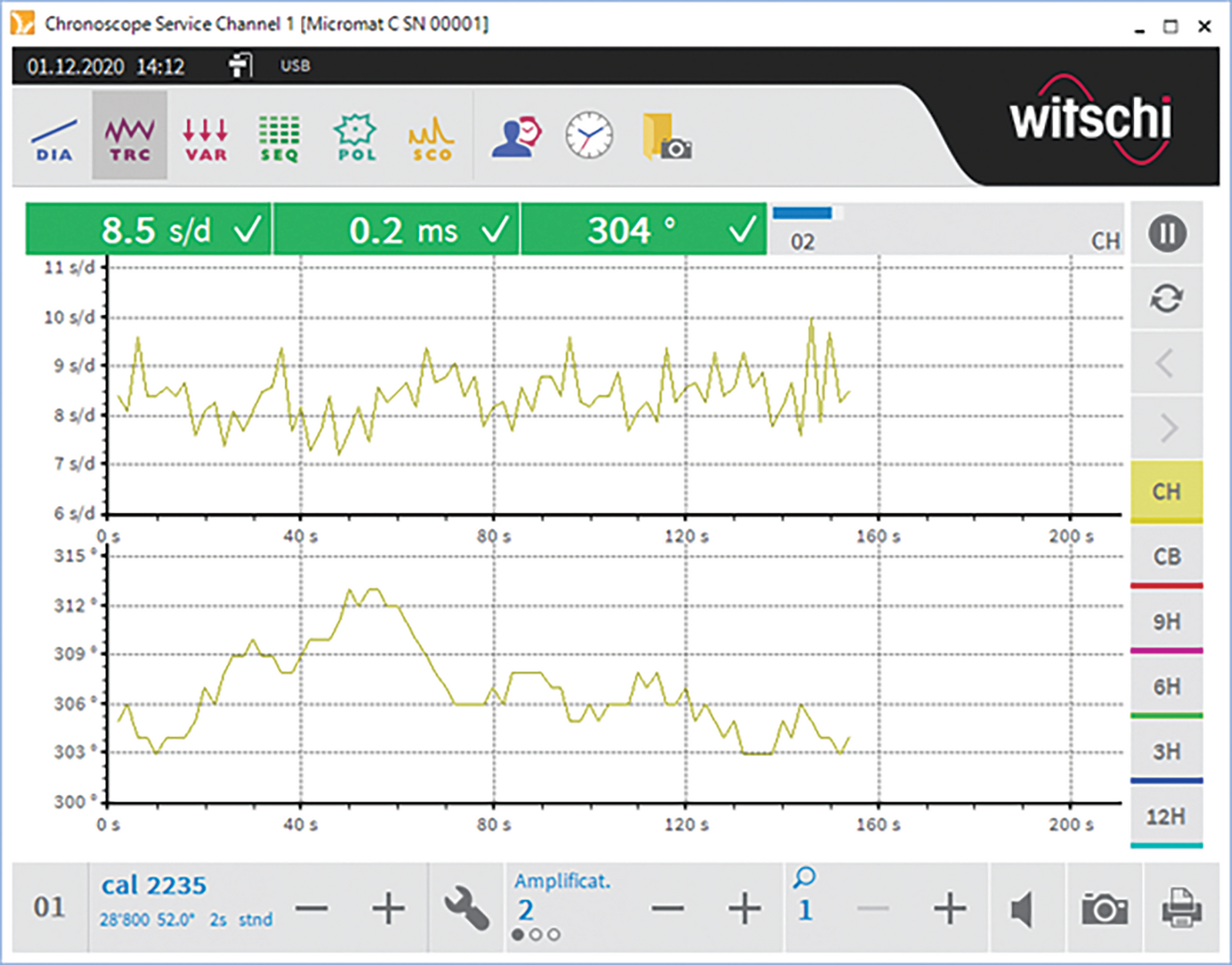
  • Trace display mode
  • Sequence display mode
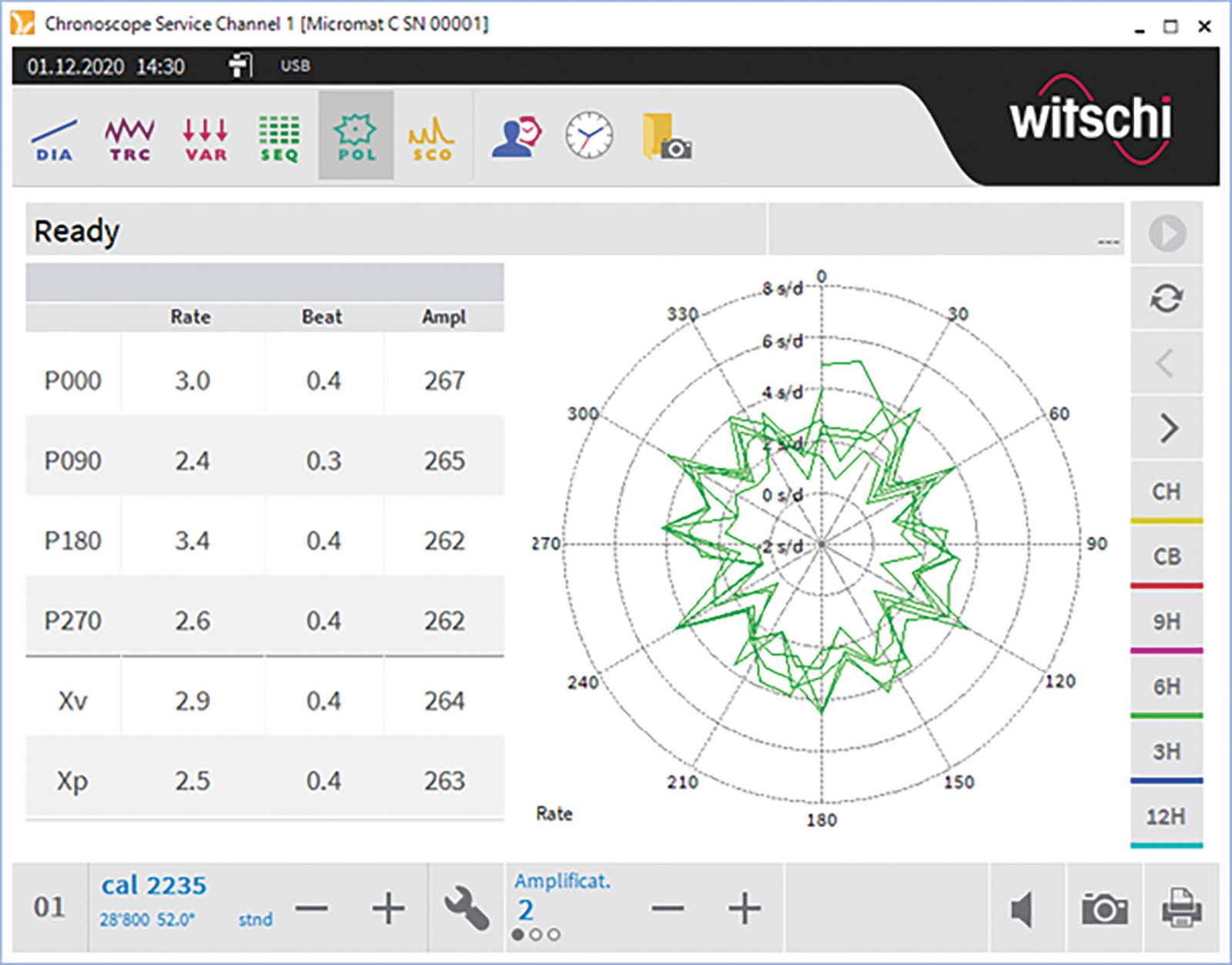
  • Polar display mode
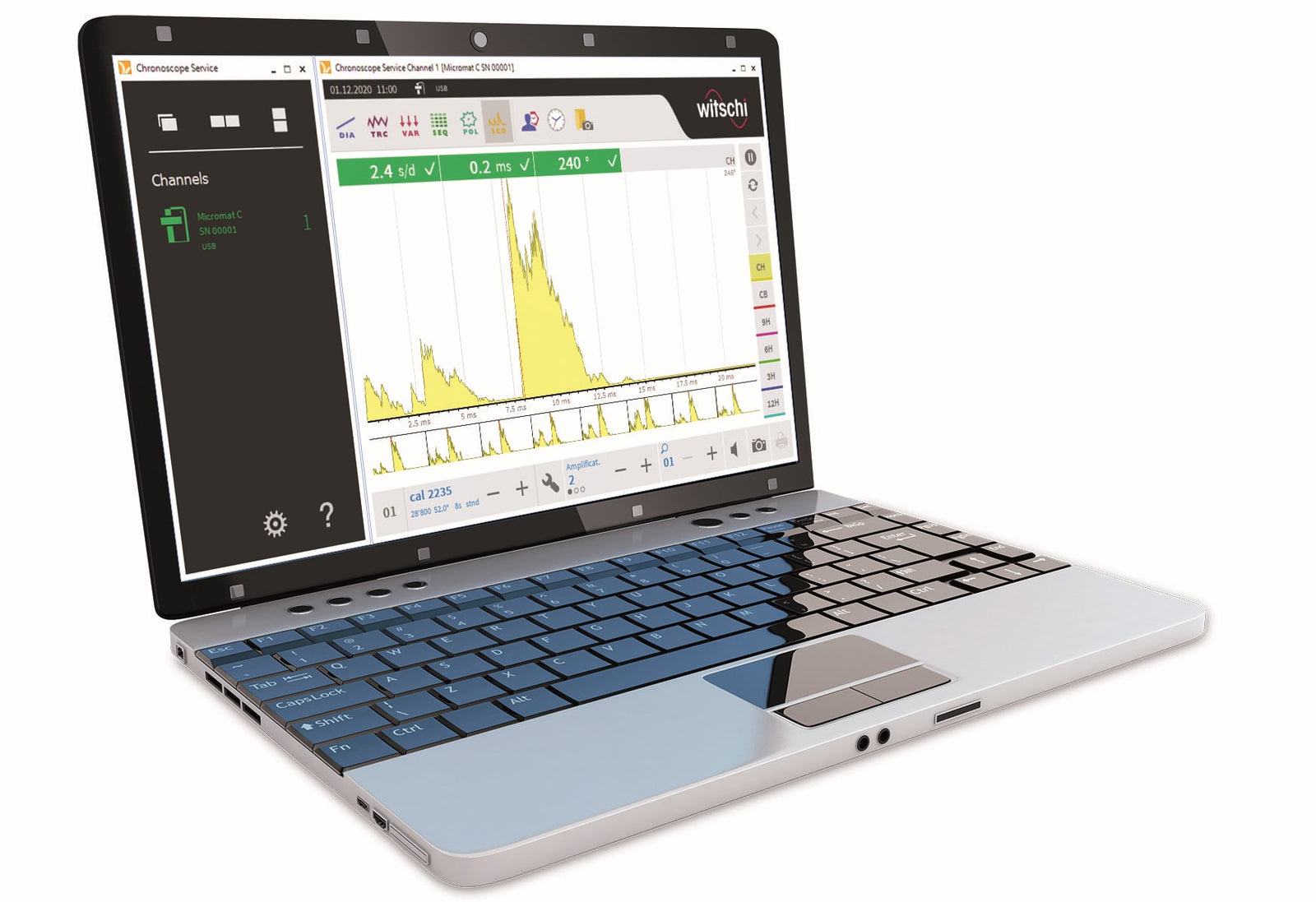
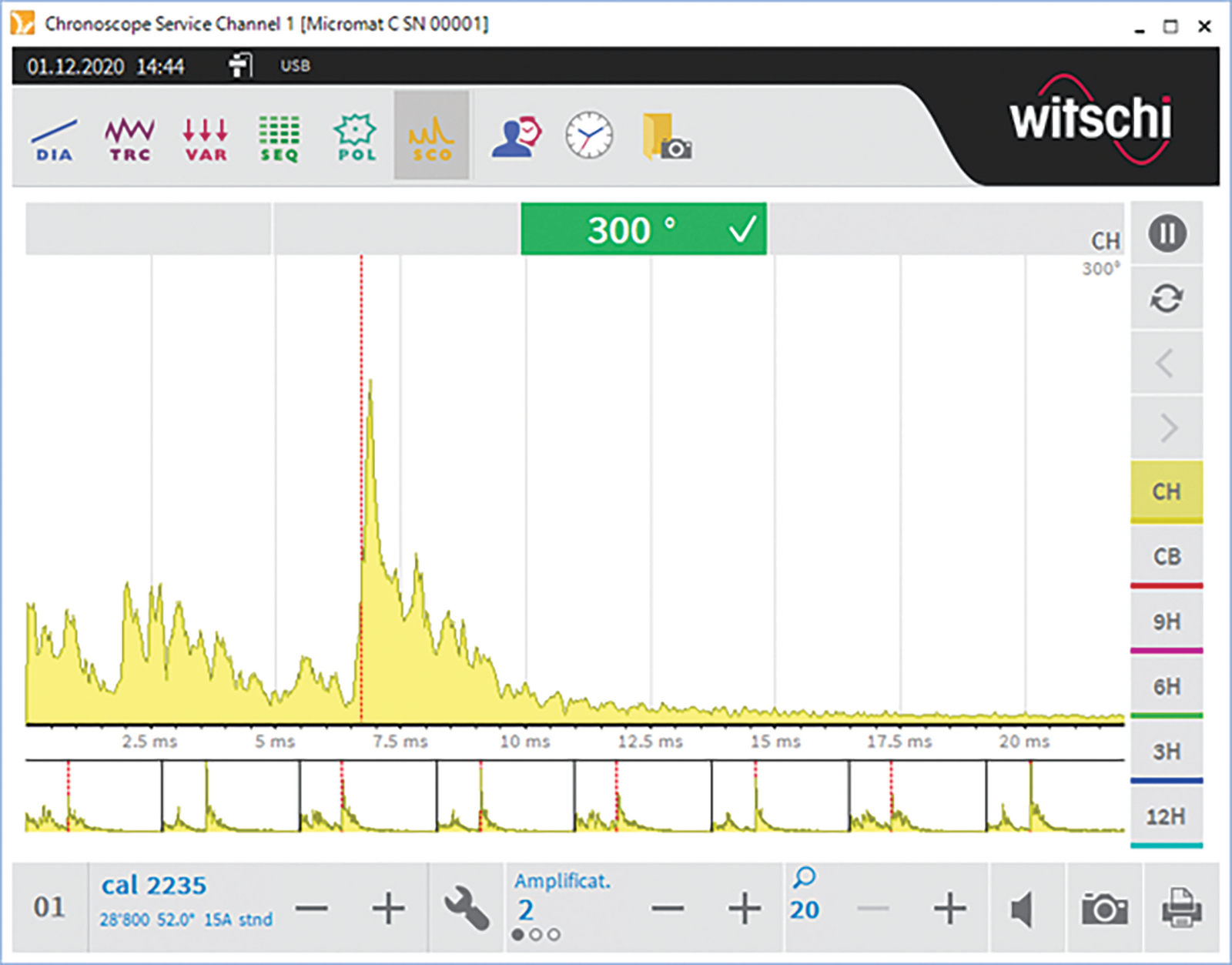
  • Scope display mode
  • Beat error
  • Amplitude
  • Timing of mechanical watch
  • Can be displayed on the ProofMaster PRO
  • Can be displayed on the X1 monitor
  • Trace display mode
  • Sequence display mode
  • Polar display mode
  • Scope display mode

Key Information

  • Requires Witschi Terminal, Windows tablet, or PC to operate. Not compatible with ARM processors (e.g., Microsoft Surface X). ChronoMaster will not operate on an Apple iPad.
  • Works with the following operating systems: Windows 10 & Windows 11 (64-bit) via a USB connection.
  • PC screen requires minimum resolution of 1366 x 768 pixels.

Specifications

Balance wheel imbalance
No
Beat rate range
3,600 to 72,000 A/h, Automatic Detection
Bluetooth
No
Built in display
No
Device style
Requires Terminal or Windows-based PC/Tablet
Diagram continuous
Yes
Lift angle
10° to 90°, manual input
Measurement method
Acoustic
Microphone type
Manual
Polar tourbillon
Yes
Power reserve measurement
No
Reference time
TCXO ± 0.13 s/d
Scope
Yes
Sequence
Yes
Test positions
12
Trace
Yes
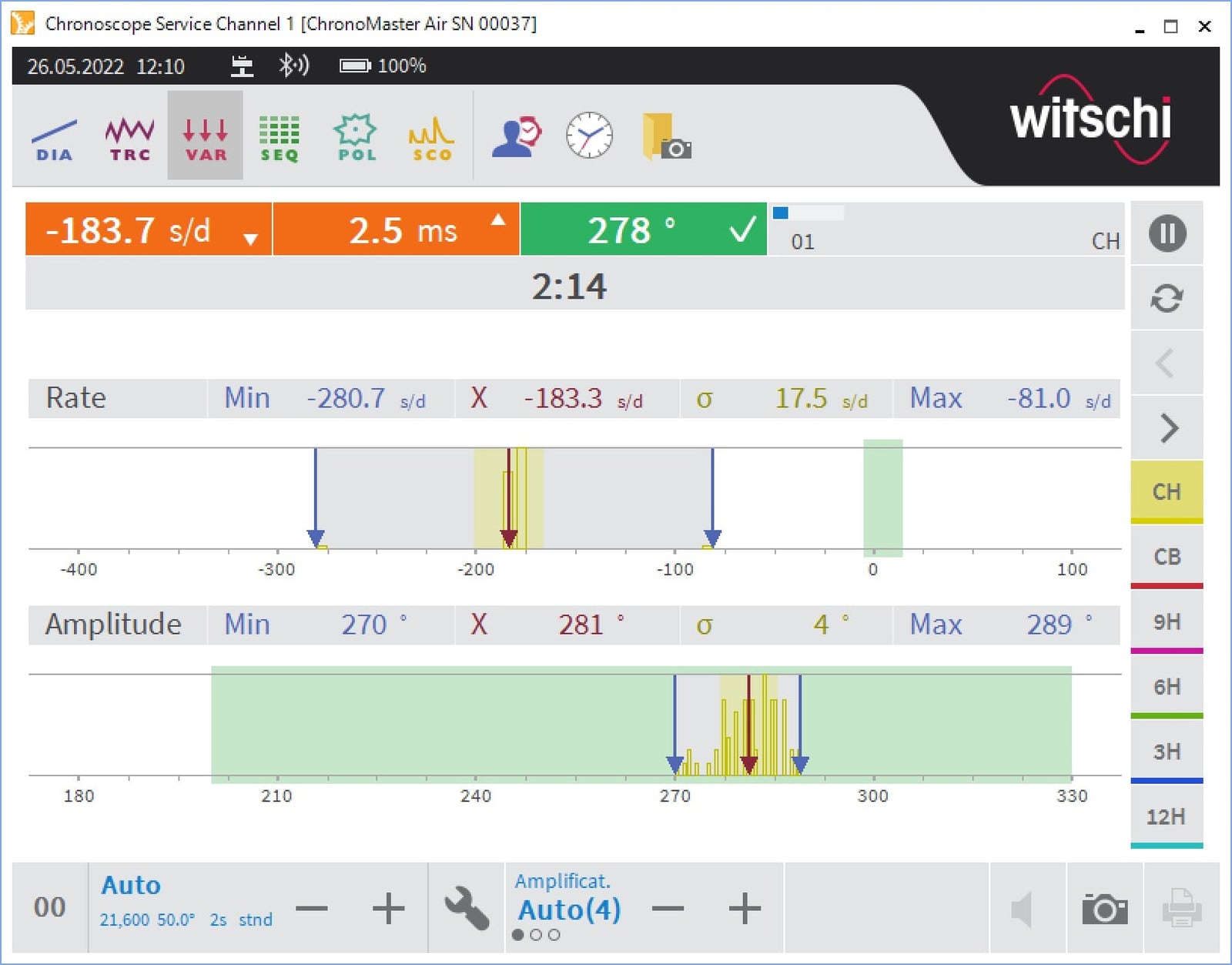
Vario
Yes
Watch type
Mechanical
Weight
2.2 lb

Q&A

Every Witschi Terminal and microphone is available in both a Standard Version and a Pro Version.

The Standard Version provides the core timing functions:

  • Terminal: Diagram and Vario display modes, with support for up to two microphones simultaneously.
  • Microphone: Standard Watch Expert measurements, including Rate, Beat Error, Amplitude, and the trace line.

The Pro Version adds:

  • Sequence, Scope, and Trace display modes.
  • Support for up to four microphones simultaneously when using a Pro Terminal.

You only need one Pro device to access these advanced display modes. In most cases, a Pro Terminal is the most economical choice because it enables the additional features for every Standard microphone connected to it.

A Pro microphone is typically recommended only when the microphone will be connected directly to a computer without a Terminal, since there is no Terminal available to enable the Pro display modes.

No, you can only operate a ChronoMaster and ChronoMaster PRO on a Witschi Terminal, Windows-based tablet, or PC. If you'd like to use an Apple iPad, we recommend the ChronoMaster Air.

Search